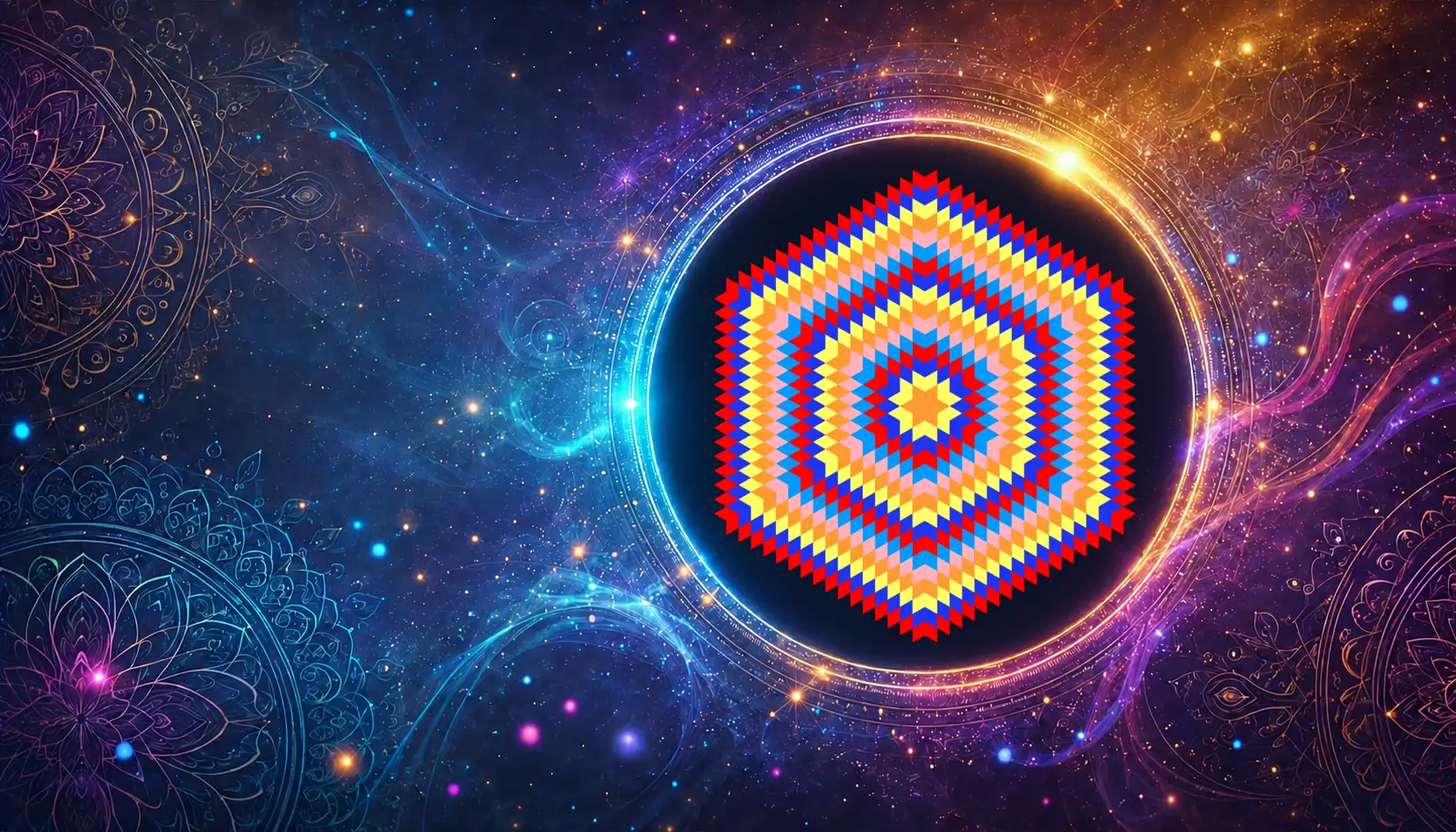
Daily Mandala Watch App
Daily Practice on Your Wrist
A meditation app for Amazfit smartwatches running ZeppOS, with a free Daily Mandala and access to your personal Birth Mandalas.
You don't need to mint anything to begin. Open the app, receive one free Daily Mandala every day, and use it as a quiet moment during the day: before work, after a stressful moment, between tasks, or whenever your attention feels scattered.
A Daily Mandala is not a prediction. It is a visual practice.
How to Install Daily Mandala
Install Daily Mandala through the Zepp app on your smartphone.
- Open the Zepp app on your phone.
- Make sure your Amazfit watch running ZeppOS is connected.
- Go to your watch page inside the Zepp app.
- Open the App Store section.
- Search for Daily Mandala.
- Tap Install and wait until the app appears on your watch.
- After installation, open Daily Mandala directly on your watch.
- Connect your wallet on the website to make your Birth Mandala available in your personal catalogue in App.
The exact menu names may vary slightly depending on your Zepp app version and watch model.
From Daily Practice to Your Birth Mandala
The free Daily Mandala lets you feel the rhythm of the project and helps you build a meditation habit. The Daily Mandala is open to everyone. The Birth Mandala is only yours.
Your Birth Mandala goes deeper: It is generated from your date of birth, minted as an NFT, and connected to the Secret Chamber - a private space with additional meanings, reflections, holder practices, and future unlocks.
When you mint your personal Birth Mandala, it appears in the App in your private catalogue, always close at hand. This makes your Birth Mandala easier to use in daily life as a meditation tool, personal symbol, and collectible NFT artwork.